

1
Open the dock and tap Handwriting Lines
It drops in like a strip of the page you teach from.
Proper writing lines on the board — every ruling you use.
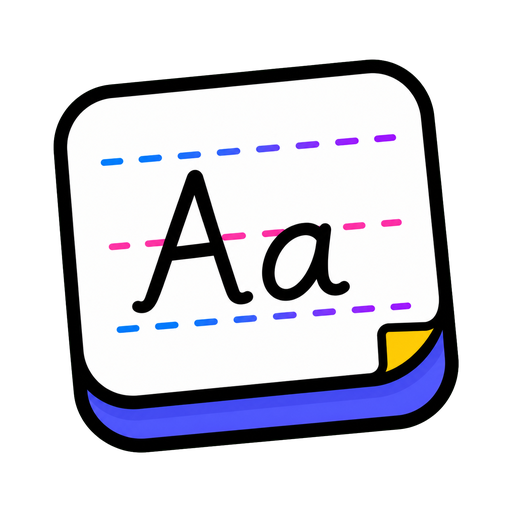
Model letter formation on the exact lines students have in their books — dotted thirds, sky-grass-ground, red-and-blue rulings and more, with a pen to write right on them.
Also called: lined paper · penmanship lines
No setup screen, no import wizard — Handwriting Lines lives on the same board as everything else and it's running before the class has sat down.
The whole setup: tap it on the dock, drag it where the class can see it.
It drops in like a strip of the page you teach from.
A dozen styles — dotted thirds, ground-grass-sky, double lines, even graph — matched to how your school teaches.
Model letters with the pen, right on the lines. Wipe and repeat until the room's got it.
Three ways teachers actually run handwriting lines — steal one for tomorrow morning.
One letter family a day: you model on the ruling, the class air-writes along. Two minutes that compound all year.
Write it slightly wrong — a b/d flip, a floating tail — and let them catch you. They never, ever miss.
Keep Monday's modelled word up beside Friday's attempt on the same lines. Progress you can point at.
Every tool lives on the same board — these turn handwriting lines into a whole routine.
…and the rest of the dock is one tap away:
Twelve: blank lines, two solid two dotted, one dotted one solid, one solid two dotted, dotted thirds, double lines, black and red solid, solid with red and dotted, highlighted baseline, ground-grass-sky, a narrow ground-grass-sky, and graph paper.
Yes — that's the point. Model formation with the pen directly on the ruling.
That's the goal — pick the ruling your school uses, so the board matches the page in front of them.
Not from this widget. It's built for modelling letter formation on the board, not for making worksheets — model on the projected lines, then students practise on the matching ruling in their books or your usual printable.
No — no login, no install. Your board saves on this device; an account only matters for keeping boards across devices.
Open a board, tap the dock, and it's there. That's the whole setup.